
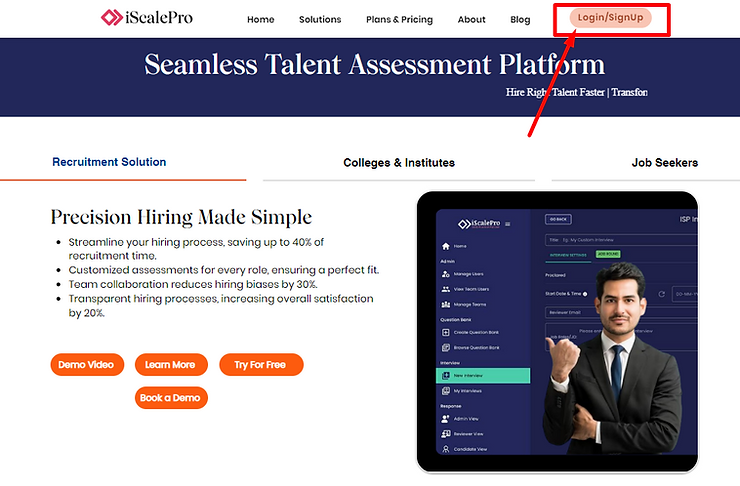
Locate the Login/Signup Button: In the top right corner of your screen, you’ll find a button labelled “Login/Signup.” Click it.
Choose Your Sign-Up Method: You have two options for creating your account:
- Sign in with Email: If you prefer to use your work email and a unique password.
- Sign in with Google: If you’d like to connect your existing Google account.

Signing Up with Email
1) Click “Sign in with Email”: This is the first option on the sign-up screen.

2) Enter Your Work Email: Type in your work email address and click “Next.”

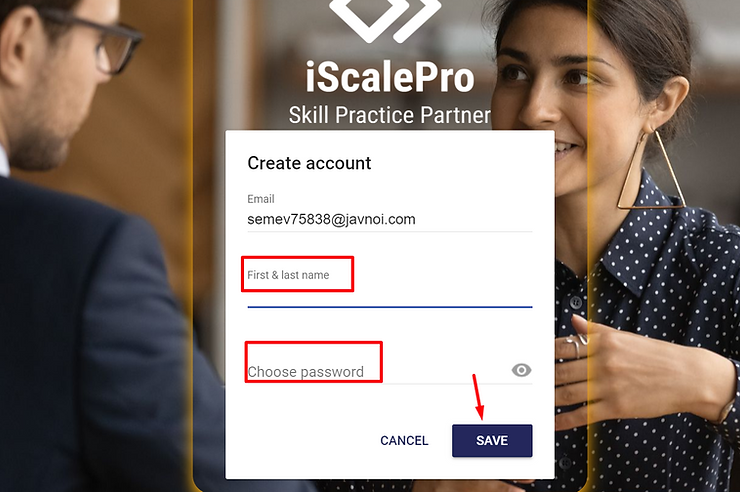
3) Provide Your Name and Password: Fill in your first and last name. Then, create a strong password that you’ll easily remember.
Tip: Use a mix of letters, numbers, and symbols for added security.
4) Save Your Information: Click the “Save” button. You’ll receive an email to verify your account.

5) Verify Your Email: Check your inbox for an email from iScalePro. Click the verification link inside to confirm your email address.
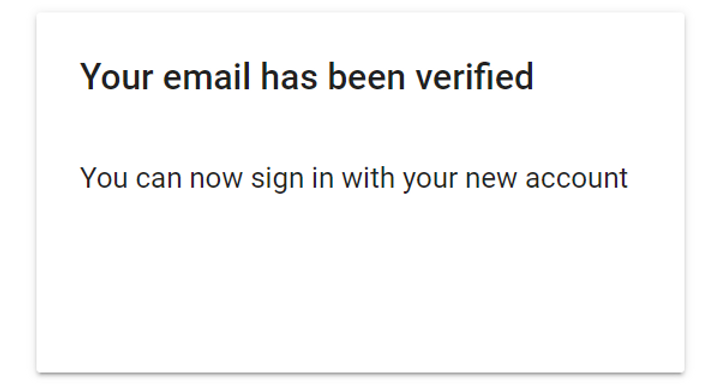
You’ll see a message confirming your email verification.
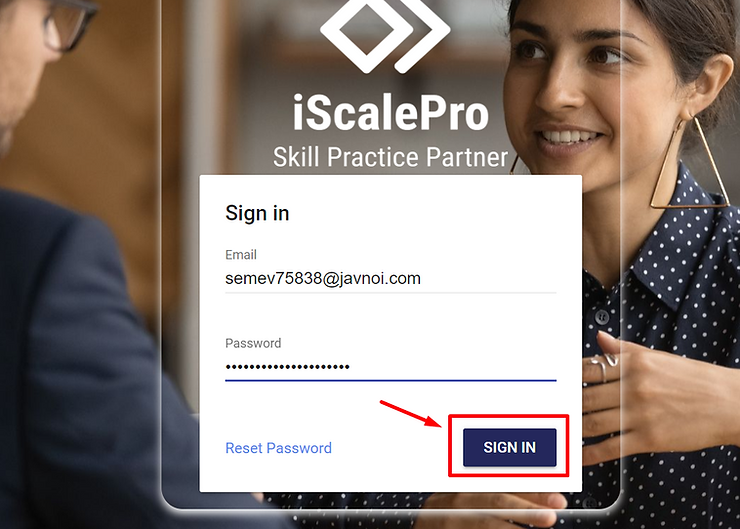
6) Log In: Return to the login page and enter your registered email and password to access your new iScalePro account!
Let us know if you have any questions. We’re excited to have you on board!